OP Network
Printers
With OP you can monitor
SNMP-compliant printers on the network and check their use online. OP scans for network printers on the local network at 10 minute intervals.
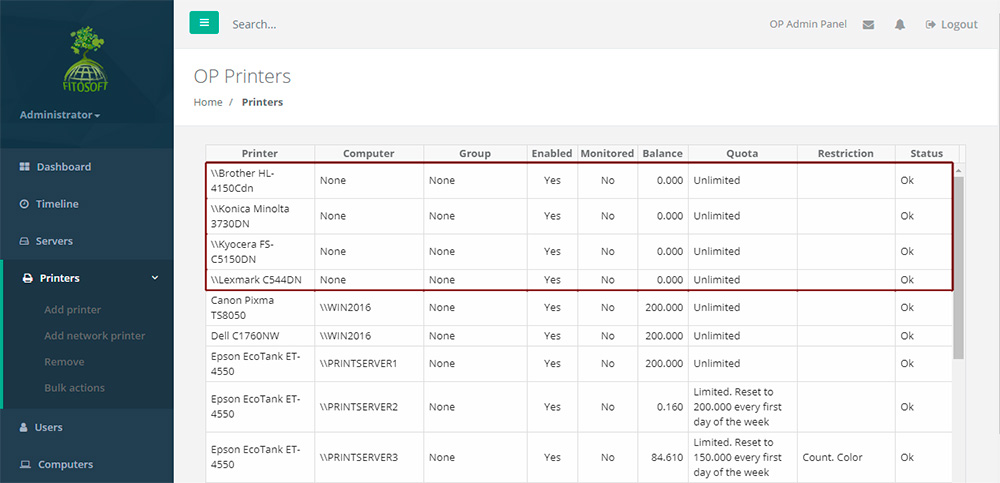
Add and Remove Network Printer in the Printers
List
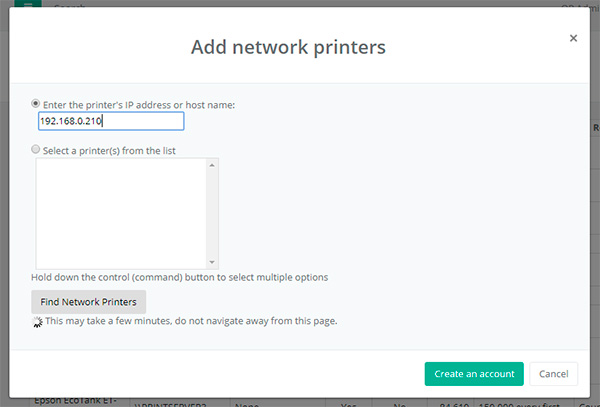
To Add a Network Printer:
Click the "Create Network Printer" Button.
Enter the name or select a name from a list.
Click OK.
To Remove a Printer:
Click the Remove Button.
Enter the name or select a name from a list.
Click OK.
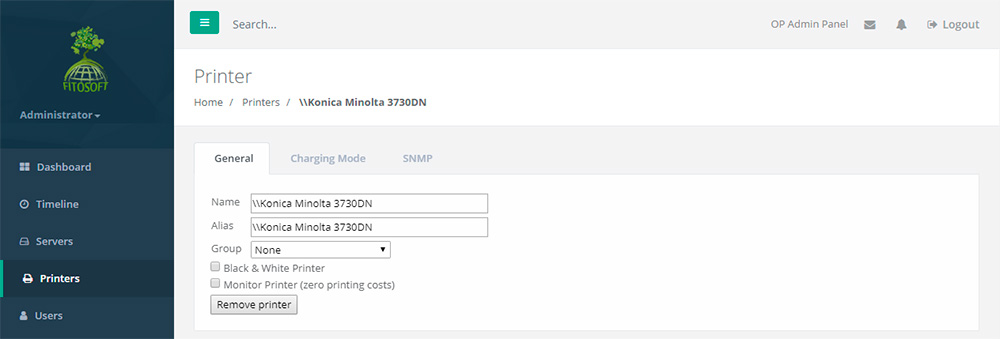
Printer Workspace
• View a
printer's printing history and statistics
• List a printer's detailed log printing activity
• SNMP Printer information (supply levels and states)
• Export a printer's info to a HTML file
• Creating printer aliases
|


